
Modes and Features
The SHARPTRAK Original (aka 'ST:OG') offers a multitude of game modes, features and add-ons. See below for a full list including details or check out the SHARPTRAK YouTube channel for more information.
Device Features
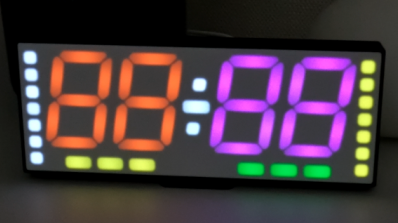
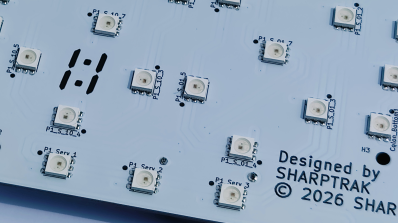
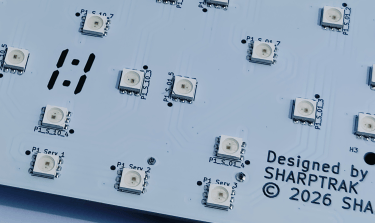
51 Bright RGB LEDs
With RGB colour control, either set your favourite static player and clock colour, or enable RGB mode to cycle through colours automatically. Adjust the speed of the colour transition from fast all the way to ultra-slow.
Control Options
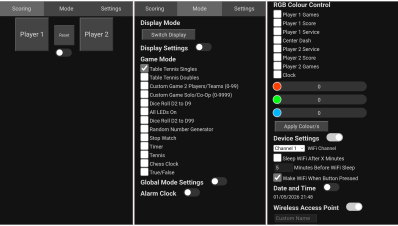
Use the four rear buttons for simple tasks such as scoring or changing mode. Alternatively, connect to the WiFi hotspot on your phone, tablet or laptop to score wirelessly and for controlling advanced settings.
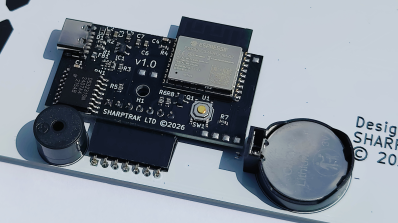
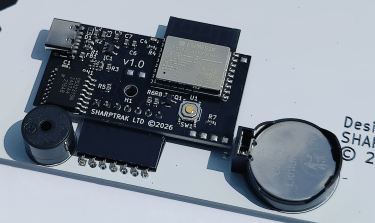
High-Precision Clock
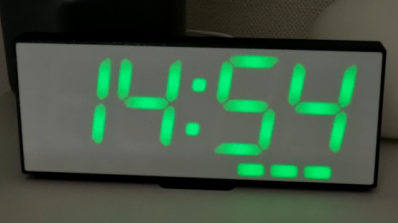
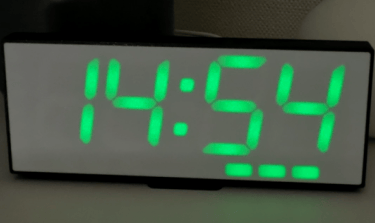
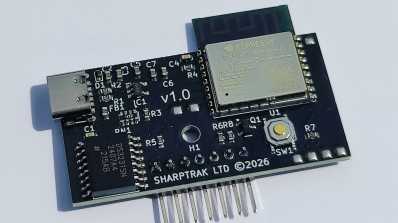
Utilising the DS3231 clock chip and coin cell battery backup, the ST:OG accurately tracks the time even when the device is off, with a yearly time drift of only ~1 minute.
Game Modes
Table Tennis Singles
Track your score, who's serving and number of games won. The service indicator will swap automatically between players in accordance with the rules, so will switch each point if the players reach 10-10 etc.
Table Tennis Doubles
The same score and games tracking as the singles mode, except now the service indicator has changed to allow for the tracking of each of the four players.
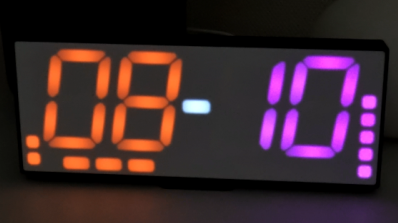
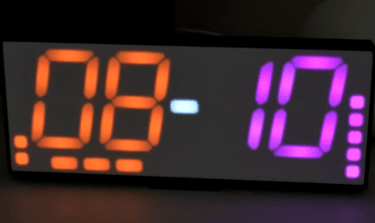
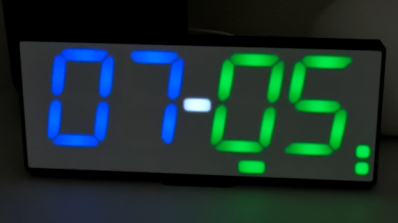
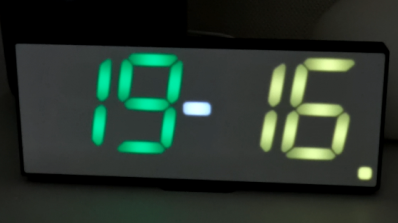
Custom Game 2 Players/Teams
Set a start score, target score and determine whether the scores should increase of decrease when a player button is pressed. Score games between 0-99 points. A game is awarded when the target score is reached.
Custom Game Single Team/Co-Op
Capable of tracking a single score between 0-9999. Set a start score, target score and a custom value for the player 1 and player 2, and whether their scores should add or subtract from the score eg. player 1 could add 1 point, but player 2 could subtract 2 points.
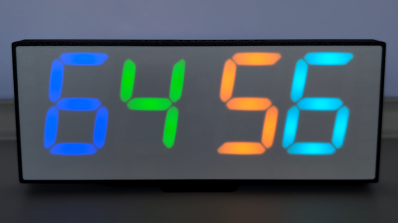
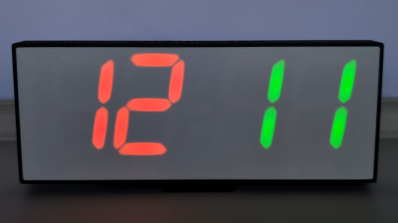
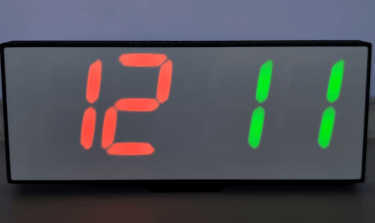
Dice Rolling Four D2-9
Roll up to four 2-9 sided dice. The dice colours can be changed individually if you'd prefer different colours or are playing a game where certain dice are special. Press the player 1 or player 2 button to reroll.
Dice Rolling Two D2-99
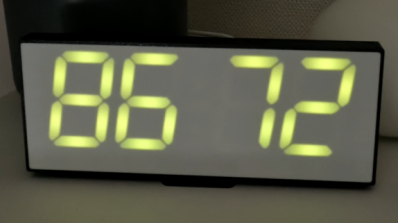
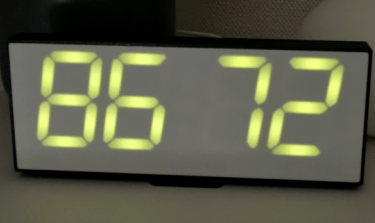
Roll one or two 2-99 sided dice. As per the D2-99 dice mode, the colours can be changed. Press the player 1 or player 2 button to reroll.
Random Number Generator
Set a minimum and maximum number (0-9999) and press the player 1 or player 2 buttons to regenerate. Enable the 'Bingo Mode' if you need to prevent the same number from recurring.
Stopwatch
Works exactly as you would expect - press the player 1 or player 2 buttons to start/stop and the reset button to set back to zero.
Timer
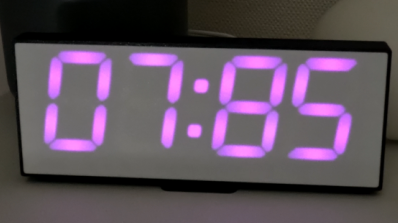
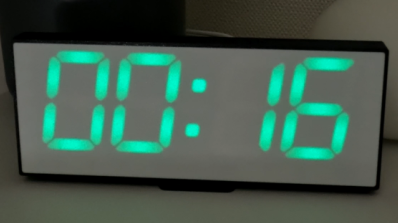
Set a time to countdown from, press the player 1 or player 2 buttons to start/stop and use the reset button to set back to the start time.
Tennis
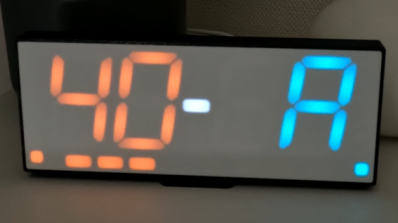
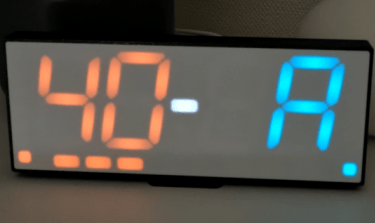
Track the score, service and number of games won. Scores are tracked in accordance with the rules, handling deuce at 40-40 etc.
Chess Clock
Set the game length then press to start the timer and again after you've taken your move; the timer will then start for your opponent. The service indicator and colour will change to make it clear who's currently taking their turn.
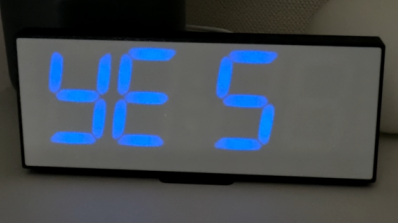
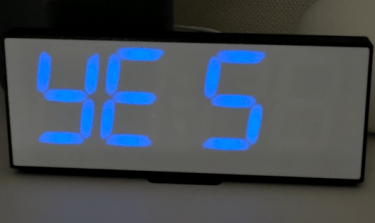
Yes and No
Choose whether to roll between Yes/No or switch the mode to roll between True/False instead. Press the player 1 or player 2 buttons to reroll.
Alarm Clock
Sunrise Light
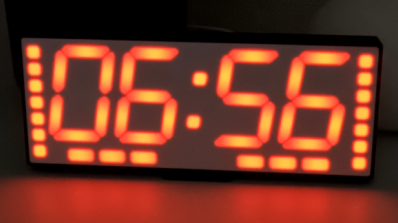
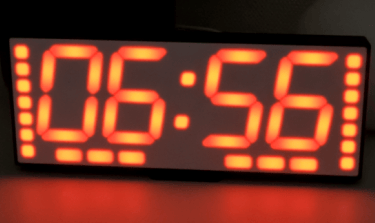
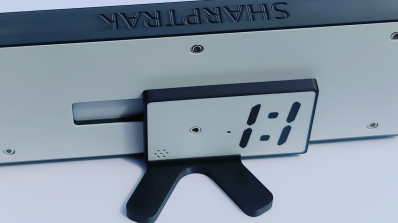
The digits change colour to mimic a natural sunrise before your alarm goes off. Utilising the service and game indicators for extra illumination.
Onboard Control
Turning on and off the alarm, stopping the alarm, toggling colour mode, snoozing and more can be actioned via the rear buttons without having to use your phone.
Daylight Saving Time
Despite not having access to the internet (and therefore time servers), the ST:OG is still compatible with the changing of the clocks to ensure your alarm goes off at the right time.
Brightness Control
Control the brightness with the rear buttons or via the WiFi hotspot. Includes a time based setting for lowering the brightness even more for use as a bedside table in a pitch dark room.
Boot to Clock
Set the ST:OG to either power on directly to the clock or game mode. Switching between them is easy using the rear buttons.
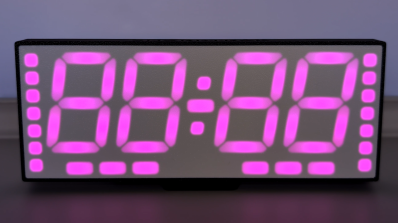
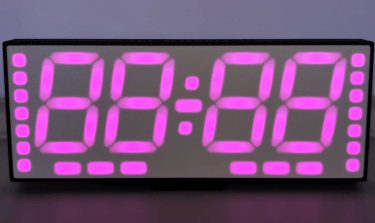
Custom Colour
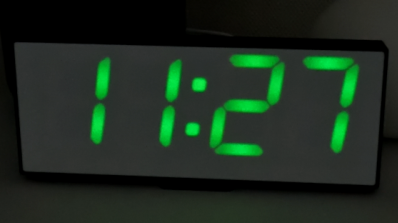
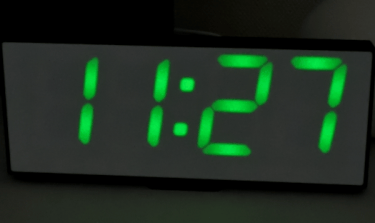
Set to your favourite static colour or enable the RGB mode to cycle through colours.
Add-ons
Button Module (ST:BM)
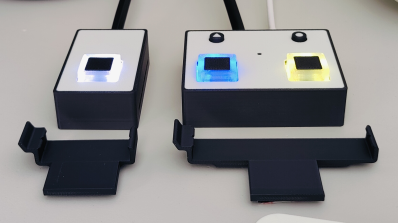
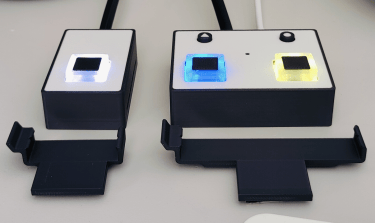
The button module connects wirelessly to the ST:OG as a way to control your game without using the rear buttons or your phone. Including mounting clips with VELCRO®, a remote button and a 3m cable, the button module can be attached to the bottom of each end of a table tennis table for the most convenient way to play.
Bright Button (ST:BB)
Interchangeable with the standard remote button that comes with the button module, this button is three times larger and four times brighter. The keycap is constructed out of a slightly soft-touch material for a satisfying button press.
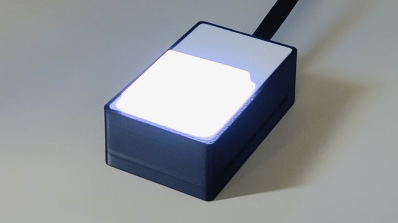
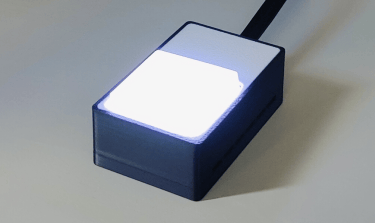


WiFi Remote (ST:WR)
Control your SHARPTRAK Original wirelessly with this wearable button module. With a wrist strap included; control score, brightness and more from your wrist! Recharge the integrated battery via USB-C with a full charge lasting up to 11 hours.
Wall Bracket (ST:WB)
Mount your ST:OG on a wall using this wall bracket. Comes in two parts with a screw to keep them from separating. Includes a neodymium magnet.
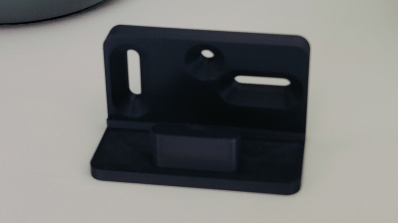
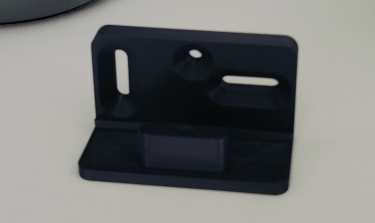
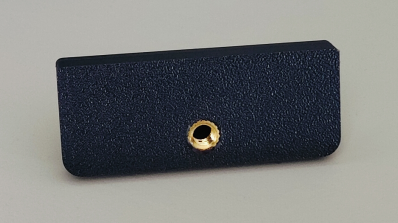
Tripod Adaptor (ST:TA)
Adapt your ST:OG to fit on a standard 1/4"-20 tripod quick release plate. Includes a neodymium magnet.